Mileage confirmation
At the end of the cruise you create a mileage confirmation as a PDF with a single tap: a certificate of your participation in the cruise and the distance covered, with a map image of the route and the skipper's signature.
How to get there
Open the cruise and scroll in the cruise hub to the Mileage certificate tile. Every crew member creates their own confirmation.
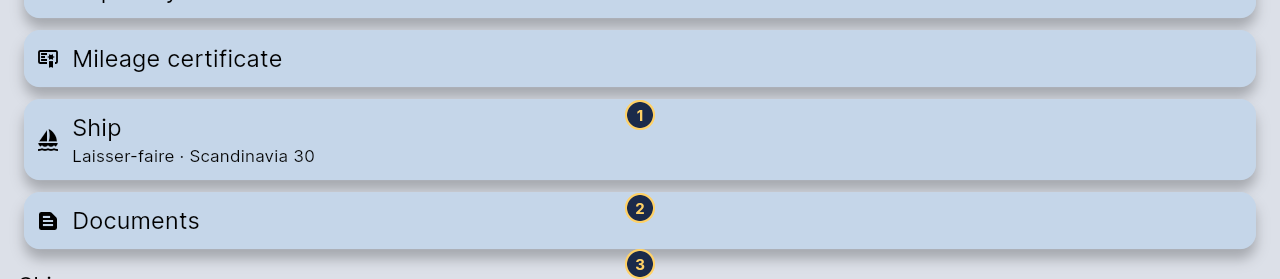
- Mileage certificate – creates the PDF with your nautical miles of this cruise and opens it
- Ship – name and type of the ship; the PDF symbol shows that the skipper has stored a document, a tap opens it
- Documents – opens the list of documents the skipper has assigned to the cruise
Create the confirmation
- Tap Mileage certificate (1).
- Tafiya creates the PDF with your name, the ship, port of departure and destination, the period and the total distance from the recorded routes of the cruise, plus a map image of the route.
- The PDF opens in your device's PDF viewer. There you save, print or share it. On the desktop a dialog for saving or sharing appears instead.
At the bottom of the confirmation is the skipper's name. If the creator of the cruise has the board role Skipper and has stored a signature under User, it is printed automatically. Otherwise a line is left free for signing.
See also
- Sailing career: your miles and certificates across all cruises.
- Routes and recording: the recording the distance comes from.
- User: store the skipper's signature.