Documents
All documents the skipper has assigned to the cruise, for example the charter contract, the crew list for the authorities or exam papers, you can open on your device at any time.
How to get there
Open the cruise and scroll in the cruise hub to the Documents tile. The tile only appears if the skipper has uploaded at least one document in the cruise data. It is available to all crew members.
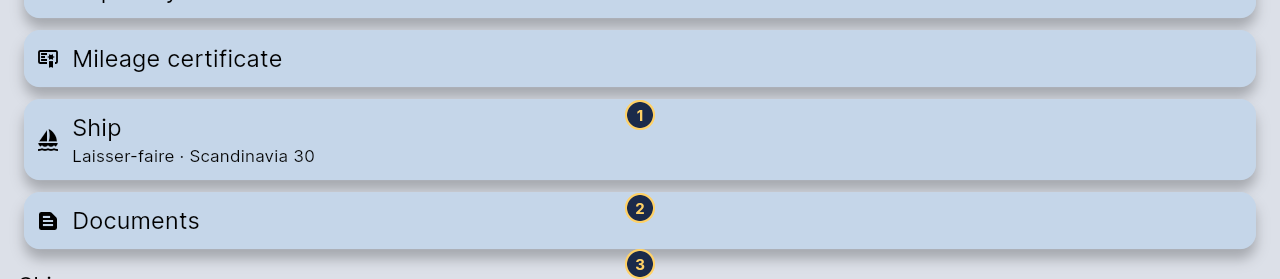
- Mileage certificate – creates the PDF with your nautical miles of this cruise and opens it
- Ship – name and type of the ship; the PDF symbol shows that the skipper has stored a document, a tap opens it
- Documents – opens the list of documents the skipper has assigned to the cruise
Open a document
- Tap Documents (3). A list with all documents of the cruise unfolds.
- Tap the document you want (1). Tafiya downloads the file and opens it in your device's default app.

- Document – a tap downloads the file and opens it in your device’s default app
See also
- Cruise data: how the skipper uploads and names documents.
- Crew list: the crew list with roles and contact details.